
Let’s face it, teachers are busy people. Between lesson planning, grading, and managing a classroom full of energetic minds, there’s barely enough time to grab a coffee, let alone stay organized with a paper planner. That’s where a digital teacher planner comes in. Among the myriad of options available, Google Slides and Google Sheets stand out as powerful platforms for creating and managing a digital teacher planner. Whether you’re a visual learner drawn to Google Slides or a data-driven enthusiast who prefers Google Sheets, there’s a digital planner out there to streamline your teaching life. Let’s dive into the benefits of each and see how they can transform your teaching experience.

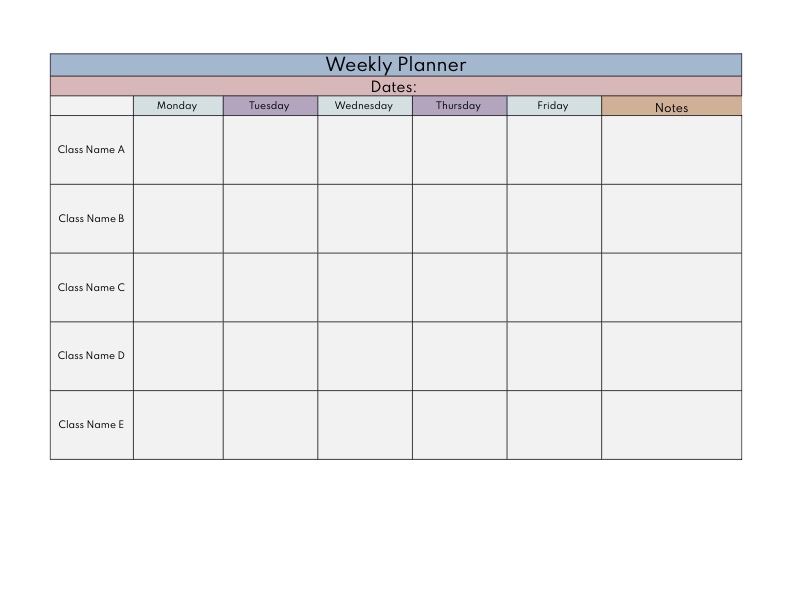
Why Go Digital?
Before comparing Google Slides and Google Sheets, it’s worth noting the general advantages of digital planners:
- Accessibility: Digital planners can be accessed from any device with an internet connection, ensuring you can plan and update on the go.
- Organization: Keep all your plans, notes, and records in one place, reducing clutter and improving efficiency.
- Collaboration: Share and collaborate with colleagues seamlessly, making team teaching and co-planning more effective.
- Flexibility: Easily modify and update plans as needed, adapting to changes with minimal hassle.
Google Slides: Visual Appeal and Interactive Planning
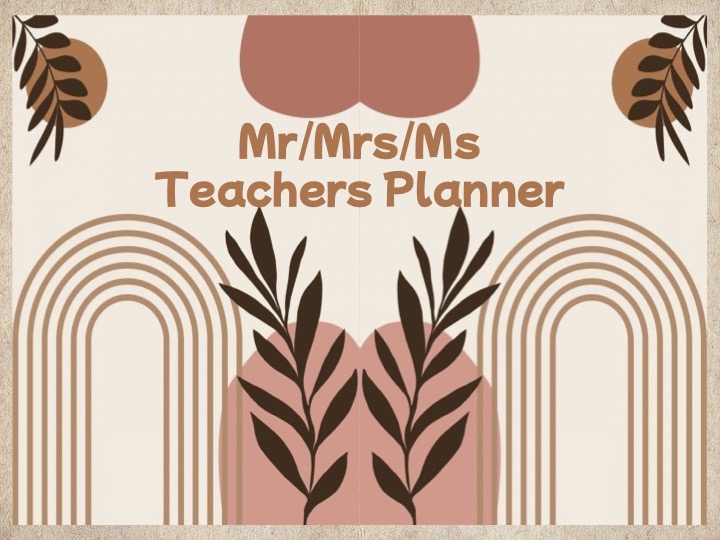
Google Slides offers a visually engaging way to plan and organize your teaching schedule. Here’s why it might be the right choice for you:
1. Visually Appealing Layouts
Google Slides allows you to create beautifully designed planning templates. You can use colors, images, and various design elements to make your planner both functional and aesthetically pleasing. This visual approach can make planning more enjoyable and less monotonous.
2. Interactive Features
With Google Slides, you can add interactive elements like clickable links, embedded videos, and drag-and-drop features. These tools can enhance your planning experience by integrating resources and making navigation intuitive.
3. Easy Customization
The drag-and-drop interface of Google Slides makes it simple to customize templates to fit your specific needs. Whether you’re organizing lesson plans, tracking student progress, or setting goals, you can easily modify and adjust the layout.
4. Real-Time Collaboration
Google Slides excels in real-time collaboration. Share your planner with colleagues, provide feedback, and make joint modifications effortlessly. This is particularly useful for team teaching or when coordinating with other educators.
Google Sheets: Data Management and Detailed Tracking

Google Sheets offers a more data-centric approach to digital planning. Here’s how it can benefit your teaching organization:
1. Detailed Data Tracking
Google Sheets is ideal for managing detailed records. Whether you’re tracking student grades, attendance, or lesson plans, the spreadsheet format allows for comprehensive data management. Built-in formulas and functions help automate calculations and data analysis.
2. Customizable Templates
With Google Sheets, you can create or choose from a variety of templates that suit your specific needs. Customize these templates to fit your teaching style and preferences, and adjust them as your requirements evolve.
3. Powerful Analysis Tools
Google Sheets provides powerful tools for data analysis, including charts, graphs, and pivot tables. These features can help you visualize student performance, track progress, and identify trends.
4. Efficient Sorting and Filtering
Managing large amounts of data is made easier with Google Sheets’ sorting and filtering options. Quickly locate information, organize data, and make informed decisions based on your records.
Which One is Right for You?
The choice between Google Slides and Google Sheets depends largely on your planning style and needs:
- Opt for Google Slides if you prefer a visually engaging, interactive, and customizable planning experience. It’s perfect for those who value aesthetics and real-time collaboration.
- Choose Google Sheets if you need detailed data management, powerful analysis tools, and efficient sorting options. It’s ideal for educators who focus on data tracking and analysis.
Conclusion
Both Google Slides and Google Sheets offer unique benefits that can enhance your teaching organization and efficiency. By leveraging the strengths of each platform, you can create a digital teacher planner that meets your specific needs and preferences. Embrace the digital revolution in education and experience the advantages of a streamlined, organized, and adaptable planning process!
Ready to get started? Explore the digital teacher planner options available for Google Slides and Google Sheets today and take your teaching organization to the next level!



For this activity and more find me on teachers pay teachers

 One Teachers Corner
Leave a comment